1.3. Actually Getting Started
Tags and Elements are the building blocks 🏗 of HTML.
Yesterday we learned that HTML is a kind of Markup Language. HTML, however, is not the only type of Markup Language. This blog post, for example, is written in Markdown, another type of Markup Language.

I hate it too when words like this are used in the same paragraph, Markdown 👇 vs. Markup 👆. Markdown - with the down at the end, is a specific type of Markup Language - with the up at the end. The particulars of the format aren't important, just know that there are multiple kinds of Markup Languages (not just HTML).
Now, if you have used Whatsapp, you would know that if you wanted to write a bold word, you start and end with an asterisk, like this:

In HTML, I would write a bold word like this: <b>bold word</b>.
Each Markup language uses its own rules to define blocks of text and assign formatting. HTML does this by using tags and elements.
What are HTML Tags?
HTML tags are special keywords surrounded by a pair of angle brackets <TAG>. Most tags come in pairs, with an opening and closing tag. The closing tag is the same as an opening tag with the addition of a forward slash. The closing bold tag looks like this: </TAG>.
Let us see how some tags affect the content in the browser.
| What we write in the HTML Document | What we see in the browser |
| <b> Hello Peter </b> | Hello Peter |
| <em> Hello Peter </em> | Hello Peter |
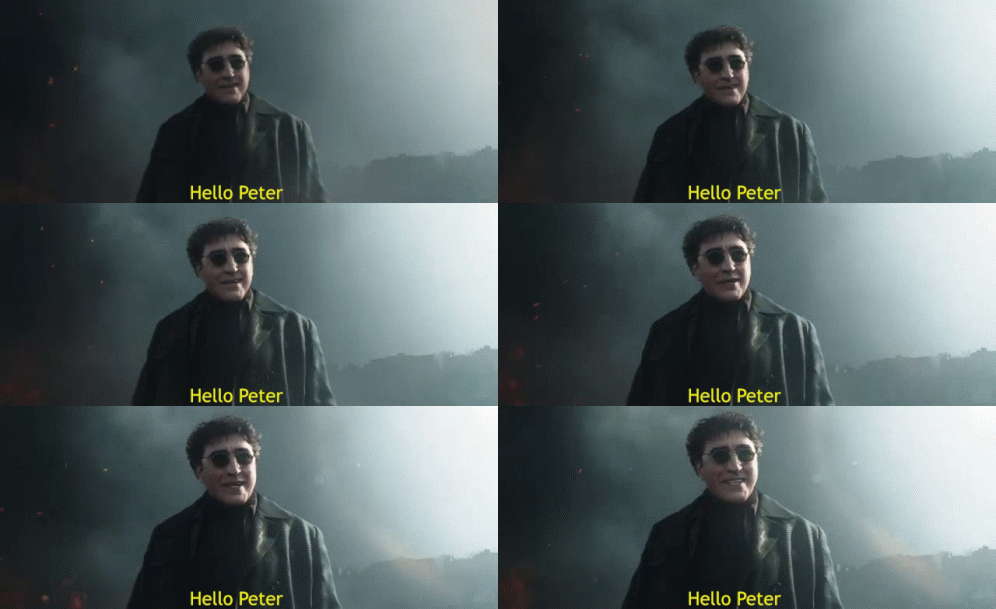
Some tags, like the tag used to display an image, <img>, do not have a closing version. This is because you do not need to define an opening and closing to display an image, just a location of where the image can be found.
<img src="meme.gif">
The output of this would be an image, like the one shown below:

There are close to 100 HTML tags. You are not expected to remember all of them - instead, you are expected to use ChatGPT smartly. For example, I do not know how to add a heading to HTML Page. So, I can simply ask ChatGPT.
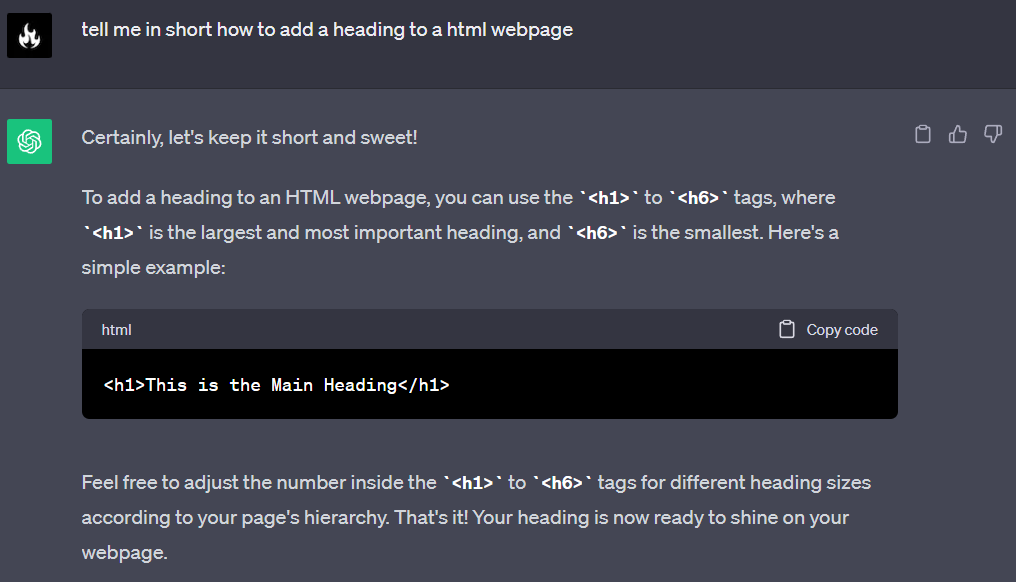
(You can also use Bard or any other AI of your choice). The point here is that you do not have to remember it all - because you can't. It is simply not possible.
What are HTML Elements?
HTML elements are individual components of HTML defined by HTML tags. At first glance, elements and tags can easily be mistaken for the same thing. But they are not. The key thing to remember is that elements are made up of tags, but tags are not made up of elements.
To help clarify, see the following examples of tags vs. elements.
| HTML Tag | HTML Element |
| <img> | <img src="meme.jpg"> |
| <p> | <p> This is a paragraph </p> |
| <h3> | <h3> This is a heading </h3> |
Where tags are used to define the start and stop of an element, elements refer to both the opening and closing tag and everything in between. The elements that don't require a closing tag, like the <img> element, are called empty elements. In contrast, the elements that require an opening, as well as a closing tag, are known as container elements, like /p. Elements are the building blocks of a web page and are a concept that we will continue to revisit.
Till now what we have done is all work and no play.

We don't want to be dull, do we? So, from the next chapter onwards, we will not just be studying HTML, but coding in VS Code as well. See you there.